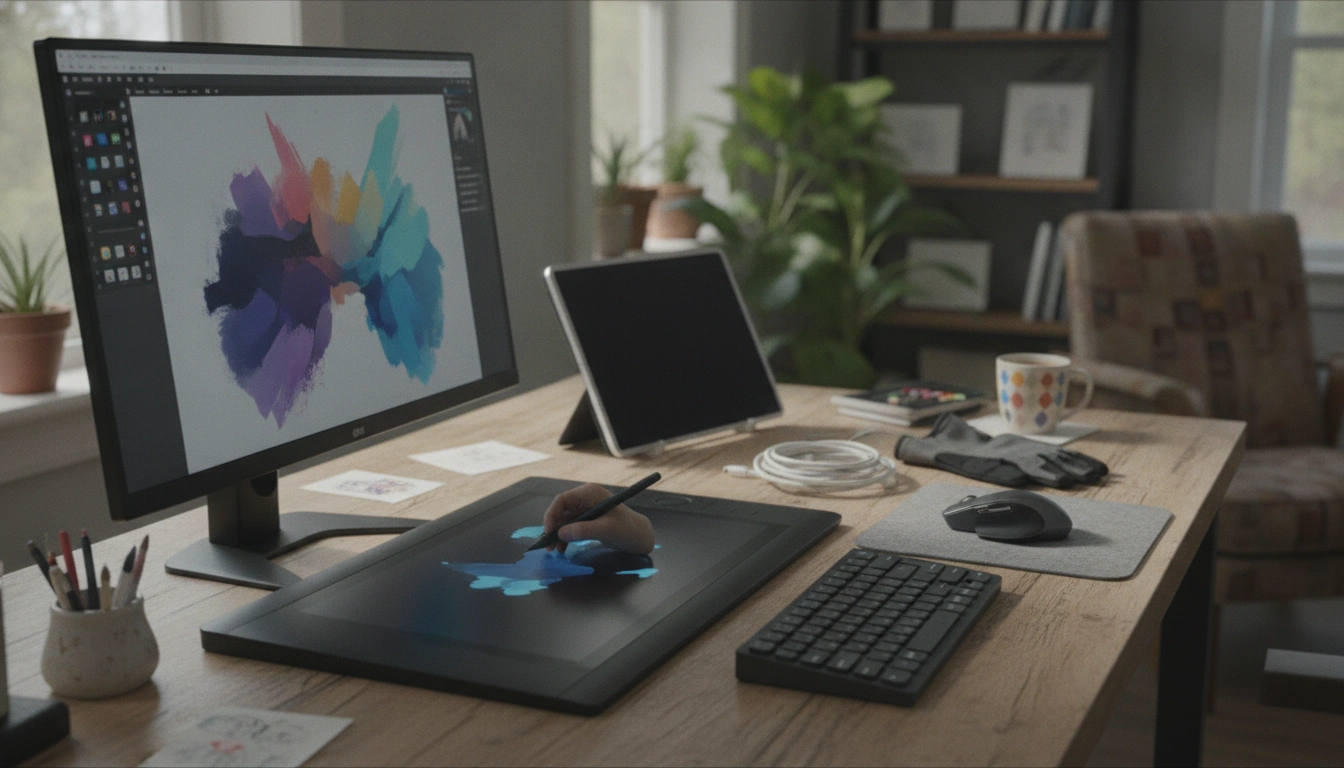
A digital art tool is any piece of software or hardware used to create, edit, or enhance artwork on a computer, tablet, or phone. Instead of working with physical paint, pencils, or canvas, digital artists use apps and devices that simulate (and expand) traditional techniques—often with benefits like unlimited undo, layers, and easy exporting for print or online use.
Drawing and painting software includes programs and apps that provide brushes, pencils, blending, textures, and color controls. Many also support layers, masks, and custom brushes so artists can build complex images without damaging earlier work.
Photo editing and compositing tools help adjust lighting, color, and details, or combine multiple images into one scene. These are popular for concept art, product mockups, and mixed-media styles.
Vector design tools create artwork using shapes and paths instead of pixels, making designs easy to scale for logos, icons, and crisp typography.
3D and sculpting tools let creators model, texture, and render objects in three dimensions—useful for animation, game assets, and realistic product visuals.
A stylus and drawing tablet (or a tablet with a pen display) can be just as important as the software. Pressure sensitivity, tilt support, and a comfortable drawing surface help you control line weight, shading, and brush behavior in a natural way. Even a good monitor, calibrated for accurate color, can be a meaningful part of a digital art setup.
The best digital art tools fit your workflow: responsive brush performance, stable file handling, export options (PNG, PSD, SVG, etc.), and features like layer organization and shortcuts. If you’re picking your first setup, a beginner-friendly workflow overview and practice ideas can help—see the full guide here: https://jocunda.com/guide-digital-art-tools-for-beginners-workflow-exercises/.
You typically need a device (computer, tablet, or phone), a digital art app, and a way to draw comfortably—often a stylus or drawing tablet. Many beginners start with a tablet and pen, then add a larger display or dedicated tablet later if needed.






Leave a comment